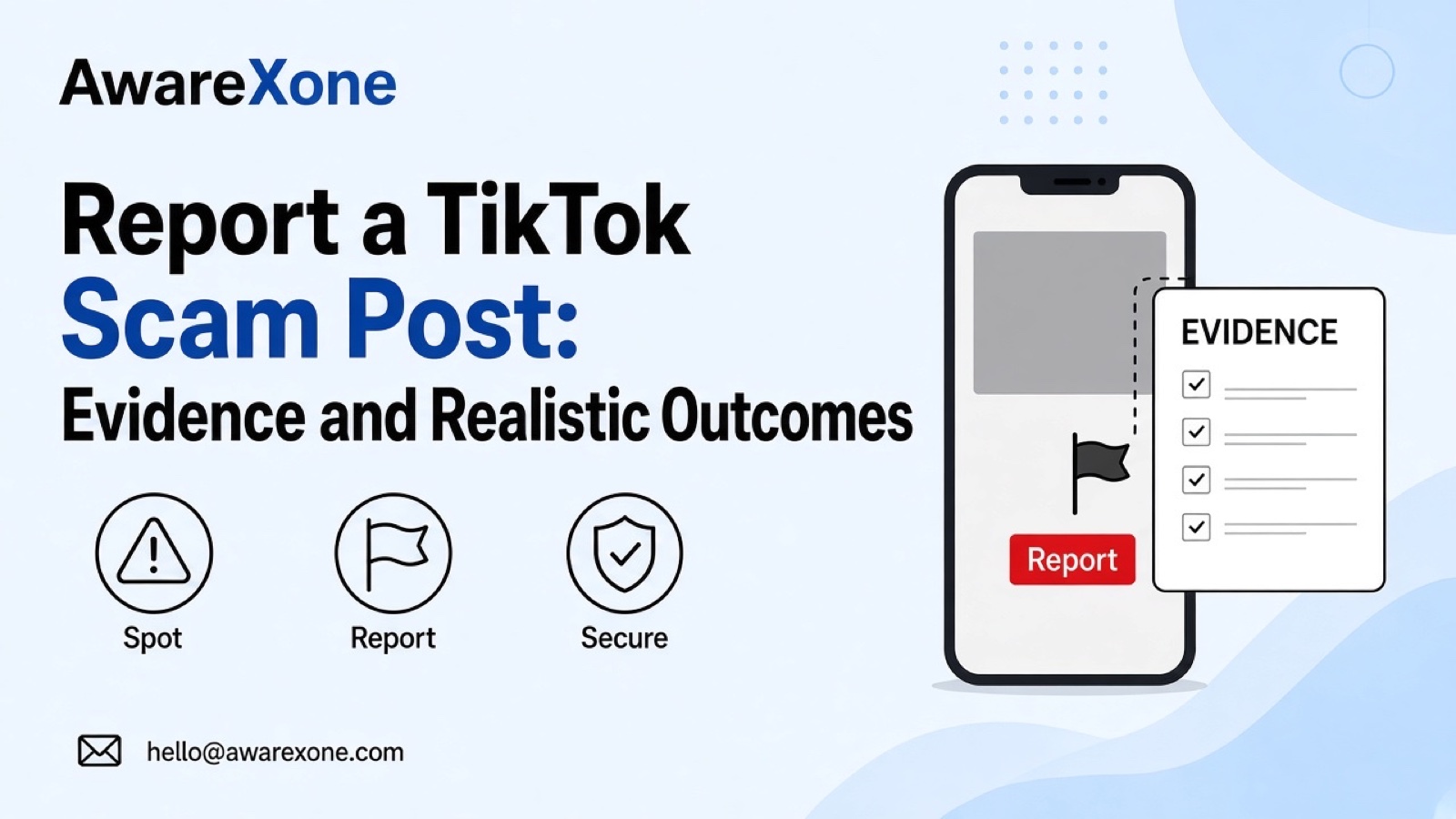
Report a TikTok Scam Post: Evidence and Realistic Outcomes
Report an ordinary TikTok scam post using visible evidence, without opening suspect links. Understand post versus account concerns and platform limits.
To report an ordinary TikTok scam post, use Share or press and hold the post, select Report, choose an accurate reason and any prompted subtopic, then Submit. Save its visible claim and requested action without opening suspect links. TikTok reviews reported content against its rules; reporting does not ensure removal or an account ban.
Summary
Report the specific organic post that shows the suspected deception, choosing a reason that matches what you can actually see.
TikTok prohibits promoting or helping scams, but an attractive offer or a bad experience alone does not prove every allegation.
Save the visible promise, requested action and destination text without visiting the destination, sending money or investigating the person behind it.
An account pattern can provide context, but this guide does not invent an account-report menu or a guaranteed enforcement outcome.
Use official DIY reporting first; complex repeating posts may justify evidence review, while money at risk needs your bank or payment provider.
A TikTok post offers easy earnings, a job or a transaction that feels deceptive. You want to report it without giving the operator more information or accidentally spreading the offer. Start with the ordinary post you can see, not a guess about who runs the account.
This guide covers organic, non-impersonation scam posts: the visible evidence to keep, the app and browser report routes, account-pattern context and realistic limits. It does not cover paid ads, TikTok Shop disputes, LIVE broadcasts or intellectual property complaints. You can use the official reporting options yourself.
To report an ordinary TikTok scam post, use Share or press and hold the post, select Report, choose an accurate reason and any prompted subtopic, then Submit. Save its visible claim and requested action without opening suspect links. TikTok reviews reported content against its rules; reporting does not ensure removal or an account ban.
TikTok's Frauds and Scams rules prohibit promoting or helping scams that target individuals. The examples include fake investment offers, get-rich-quick schemes, phishing, and job or transaction-related scams. The relevant question is what this post promotes or asks viewers to do, not whether you dislike the creator.
Identify the promise and the requested action separately. A post may promise earnings while directing viewers to send money, disclose account details or move to another channel. Record what is visible, then say which part creates your concern. Do not test the offer by paying, entering personal information or messaging the operator for more convincing evidence.
Suspicion is not the same as established deception. A disappointing transaction, an ambitious earnings claim or unfamiliar wording does not establish everything about the operator or the offer. You can report content you believe violates the rules while being precise about what you observed and what you cannot verify. Do not announce a criminal finding.
If the account is pretending to be you or another identifiable person, use our TikTok fake-account and identity guide for that different issue. This article stays with the ordinary post-led fraud concern rather than borrowing identity-report questions.
#Build a Visible Scam-Claim Map Without Following Links
Keep a small private record from the content already available to you. The map below is an editorial organisation aid, not a TikTok form, a mandatory attachment list or permission to collect private information. You do not need to investigate the account owner to describe the post.
Writer-created visible scam-claim map: enough context for an honest report without visiting a suspicious destination.
Field
What to record
Accuracy or safety boundary
Post URL and account context
The exact TikTok post link and visible account handle, if available.
Keep the post separate from the profile. If you cannot obtain a link safely, say it is missing.
Observation time
When you saw the post, your time zone and any visible posting date.
Do not present your observation time as the original publication time.
Exact visible promise
The relevant words in the video, caption or displayed text, with a timestamp where useful.
Distinguish a quotation from your interpretation; retain enough surrounding context to avoid changing its meaning.
Requested action
What the post visibly asks viewers to do, such as send money or provide account information.
Do not carry out the request or contact the operator to obtain more evidence.
Visible destination
Only the domain, handle or link text already displayed in the post or caption.
Do not open it, scan its code, expand a shortened link or guess its final destination.
Knowledge versus suspicion
What you personally saw, what you already know and what remains uncertain.
Mark second-hand claims and translation uncertainty; do not turn a concern into a proven allegation.
Visible pattern
Separate post links showing similar wording or requests, if already available.
Similarity is not proof of common ownership. No account tracing or search for private identities.
Report log
The item reported, date, reason selected and any actual confirmation or response.
Record events rather than predictions. A report entry is not a removal decision.
A useful note connects the visible claim to the visible request. Keep your explanation short enough that someone can find the relevant passage, but retain the original screenshot or recording with its context. If the destination is only a displayed shortened address, your evidence is that displayed address, not a verified description of the site behind it.
Preserve original-language wording. If a neutral explanation in another language helps, keep it alongside the original and mark uncertainty rather than making the promise sound stronger. No language, nationality or location by itself establishes fraud. Redact unrelated personal details from copies you share, while keeping an accurate private record you are authorised to hold.
The official Report a post guidance gives this route. The page uses general reasons rather than publishing a fixed scam-category sequence. Follow the choices actually displayed in your interface.
Go to the post and tap Share, or press and hold the post.
Tap Report and select a reason that accurately fits the content.
If prompted, select a subtopic.
Check that you are reporting the intended post, then tap Submit.
Do not choose impersonation, intellectual property or another unrelated reason just because it sounds stronger. If the flow offers an explanation, describe the visible promise, requested action and your specific concern. Do not assume every version provides a text box or upload control. Keep your evidence note even if the flow only asks you to select a reason.
Go to the video and hover over the More options button at the top.
Click Report and select a reason.
If prompted, select a subtopic.
Click Submit.
The reviewed guidance says posts can be reported in the app or a browser; it does not establish a no-account route or identical controls on every device. If your displayed interface differs, consult the linked official guidance. Do not move to an unofficial reporting site or enter your TikTok credentials on a destination promoted by the suspect post.
TikTok's reporting overview says users can report posts and accounts they believe violate its Community Guidelines. A post report identifies the actual content. An account concern is broader, but the account name alone does not explain what a particular video promised or requested.
If several posts are already visible to you, keep each link and its specific claim separate. Note similarities without declaring that different accounts have the same operator. Do not collect every unrelated post, investigate real identities or organise a reporting campaign. A concise pattern note should still let someone distinguish the items and the evidence for each.
This guide does not give an exact account-report menu because the reviewed account reference did not establish that sequence. For an account-level concern, follow the current account-report Help linked from TikTok's reporting overview and the controls actually offered. Do not replace the specific post evidence with a request to ban the whole account.
Copied creative work and personal abuse are also different tasks. Our TikTok reupload guide covers the former, while the TikTok harassment guide addresses targeted abuse. Those routes should not be used as substitutes for an ordinary scam-content report.
#What Reporting Can Achieve, and What It Cannot Promise
TikTok says in its reporting overview that it reviews reported content to check whether it violates its policies. It describes possible action including removing violating content or banning an account. These are platform decisions, not outcomes a reporter or outside helper can command.
The same page says TikTok may update you about report progress in your inbox and lets you view report history through settings. Follow its current report-history instructions rather than borrowing another platform's support inbox. Keep any real response with your log; no reviewed source establishes a fixed decision deadline for this scam-post report.
Do not equate a disappearing post with a confirmed finding against the operator. You may simply no longer have access to it. Nor does a post remaining visible prove that TikTok has finished reviewing your report. Record the observed state and any actual response separately. The reviewed sources do not establish a universal reporter appeal or escalation sequence.
TikTok says it does not disclose the reporter's identity to the person whose content or account is reported. That statement is about TikTok's reporting process, not a promise that nobody could infer your involvement from surrounding events. Avoid public arguments and unnecessary personal information in any explanation.
Treat platform reporting and personal protection as separate tasks. If you already sent money or exposed payment information, contact your bank or payment provider through its independently known official channel. Explain what happened and ask what protective options apply. This is practical safety advice, not a promise of a transaction outcome or a financial recovery service.
Do not wait for a TikTok report result before seeking that help. Keep transaction records private and separate from a public warning. Do not send further money, share login codes or install software to test the offer. Someone claiming they can resolve the situation through a private TikTok contact is not a reason to surrender account access.
For a broader comparison of content problems, our content-removal hub separates the main reporting routes. This guide does not add legal deadlines, local remedies or payment-provider rules to the ordinary TikTok procedure.
The official DIY routes above do not require a case review. Outside help may be useful when repeating posts or accounts create a difficult evidence trail, a business is affected, or you cannot clearly separate visible facts from suspicion. The useful work is organising existing evidence, checking policy fit and avoiding inaccurate or unrelated allegations, not making a louder complaint.
AwareXone is Malaysia-based and independent of TikTok. Our content removal case review can assess whether a legitimate reporting basis fits and help prepare existing evidence through official channels where appropriate. No private access, forced takedown, decision time or financial recovery is promised. We never ask for passwords or login codes. Read our trust commitments before deciding whether a review fits your situation.
Can I report a scam post if I have not lost money?
TikTok lets people report posts they believe violate its Community Guidelines. Describe what is visible without pretending that you paid, tested the offer or verified the destination.
Should I open the link to prove the post is a scam?
No. Record only the destination text already visible and mark anything beyond it as unknown. Do not send money or personal information to strengthen a report.
Will reporting a post get the whole account banned?
Not necessarily. TikTok decides whether its rules were violated and what action to take; a post report is not a command to ban an account.
What if several accounts repeat the same promise?
Keep separate links and observations for each item already available to you. Similar wording can be documented as a pattern, but does not prove common ownership or justify false or mass reports.
How long should I wait for a decision?
The reviewed sources do not establish a fixed deadline for this report. Keep actual updates and use TikTok's current report-history guidance; contact your bank or payment provider separately if money or payment information is at risk.