
LinkedIn Fake Employees on Your Company Page: Remove Them
Strangers list your company as their employer on LinkedIn? See the verified Page report, the super admin form, the 7 and 14 day windows and what to save.

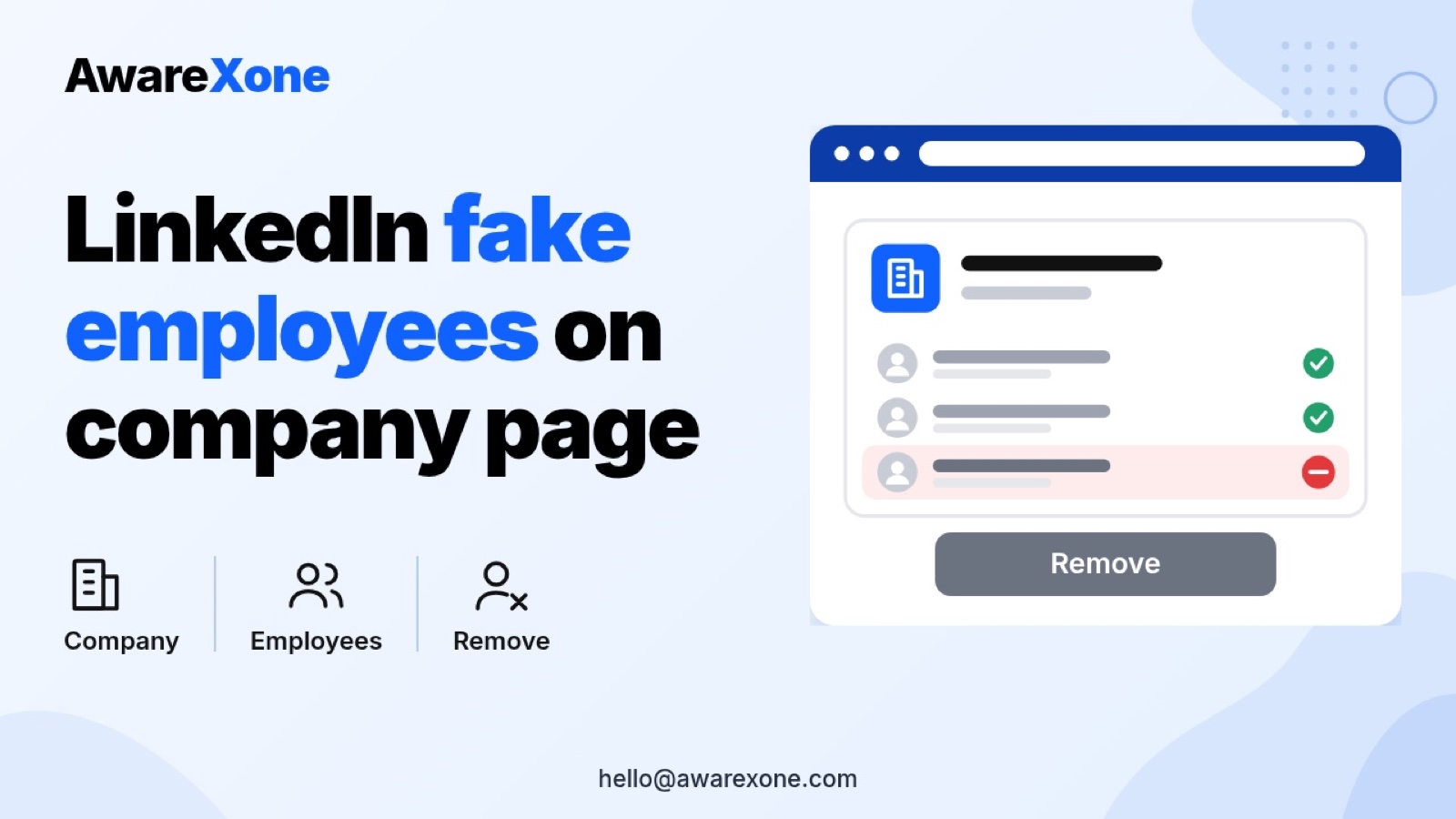
As a super admin of your LinkedIn Page, if the Page is verified, open the member's profile, select More, then Never an employee of my org. The member has 7 days to verify a work email. If the Page is not verified, use LinkedIn's super admin form, and LinkedIn says the information is removed within 14 days unless challenged.
Summary- Only a super admin of your LinkedIn Page can report a member's employment as inaccurate. Content admins, paid media admins and analysts cannot use the form.
- On a verified Page, a super admin can choose Never an employee of my org on the member's profile, and the member then has 7 days to verify a work email.
- On a Page that is not verified, the super admin form applies, and LinkedIn says reported information is removed within 14 days unless the member challenges it.
- LinkedIn says only employment and education details are reviewed through this route, so fake recruiters and fake profiles need separate reports.
- A false report can be challenged by the member. One wrong step can cost you the account, so know what you are doing before you start.
Table of contents13 sections
- 01Quick Answer: How Do You Remove Fake Employees From a LinkedIn Page?
- 02Fake, Mistaken or Former Staff?
- 03Route One: Your Page Is Verified
- 04Route Two: Your Page Is Not Verified
- 05A Short Evidence Note for Each Profile
- 06Should You Get Your Page Verified First?
- 07Stop Fake Recruiters Posting Jobs Under Your Name
- 08Report Fake Profiles and Scam Messages Too
- 09What to Tell Your Staff and Candidates
- 10What the Pages Do Not Say
- 11When It Is Safer to Get Expert Help
- 12When a Case Review Makes Sense
- 13Frequently Asked Questions
You open your company's LinkedIn Page, click the employee count, and see people you have never hired. Some have stock photos. One is messaging job seekers as your recruiter. Your brand is being used to make strangers look trustworthy, and that is an uncomfortable thing to find.
LinkedIn now has two routes for this, depending on whether your Page is verified. This guide follows LinkedIn's Help pages as they read today. It covers which route fits, what the member is told, the time windows LinkedIn gives, how to stop fake job posts under your name, and what to tell your staff. One wrong step can cost you the account, so know what you are doing before you start.
Last checked: 29 October 2026.
#Quick Answer: How Do You Remove Fake Employees From a LinkedIn Page?
LinkedIn's page on inaccurate information on another member's profile says super admins of a verified Page can report a member's current employment as inaccurate themselves, without a form. The member then has 7 days to verify their work email, and if they do not, their work experience is disassociated from the Page across LinkedIn. Super admins of Pages that are not verified use a form instead, and LinkedIn says the reported information will be removed within fourteen (14) days unless the member challenges it.
#Fake, Mistaken or Former Staff?
Not every stranger on your Page is a scammer. LinkedIn's page on members associated with a LinkedIn Page says members appear on a Page automatically when they pick the organisation in their Experience section. It says someone who accidentally selects the wrong company may be associated with the wrong Page, and that a person who appears incorrectly cannot edit the Page or manage its admins unless they are a super admin. It also says it can take up to 30 days for the associated member count to update after members are added or removed, and that admins cannot manually add an associated member.
| What you see | Likely cause | Route that fits |
|---|---|---|
| A real person at a similarly named company | Picked the wrong organisation from the list | Ask them to edit their Experience section, then report if needed |
| A former employee still listing you as current | Profile not updated | Ask them first, then the inaccurate employment report |
| A profile with no real history claiming to work for you | Possibly fake | Inaccurate employment report, and a fake profile report |
| Someone using your name to recruit or ask for money | Likely scam | Fake profile report, scam report, and a warning to your audience |
| A whole Page pretending to be your company | Fake or duplicate Page | See our guide on fake company Pages |
#Route One: Your Page Is Verified
LinkedIn's page Report member profiles that are incorrectly associated with your LinkedIn Page says your Page should be verified to use this route. The steps it gives for desktop and mobile are the same:
- Go to the member's profile.
- Select More, then Never an employee of my org.
- When prompted, choose your organisation name.
- Select Submit.
LinkedIn says this report is anonymous, and the member will not be told which admin reported them. Once you report someone as not an employee, LinkedIn says they have 7 days to verify their work email. If they do not, their work experience is disassociated from your Page across LinkedIn. A real employee with a company email address can clear the report by verifying, which is why this route suits Pages with a working company domain.
#Route Two: Your Page Is Not Verified
The inaccurate information page says super admins of Pages that are not verified can report inaccurate employment or education information by completing a form. It says the form is only for super admins, and that submissions from Page content admins, paid media admins or analysts will not be processed. LinkedIn asks for:
- A link to the account or information in question.
- The experience or education that you believe is inaccurate.
- An explanation of how you know the account or information is inaccurate.
- Your digital signature.
After you submit, LinkedIn says its team will notify the member that the experience has been reported as inaccurate, and the information will be removed within fourteen (14) days unless LinkedIn receives a challenge from the member. It also says it will only review information related to employment or education. A member who believes the report was made in error can challenge it through a separate form, so stick to people you can show were never on your staff.
#A Short Evidence Note for Each Profile
LinkedIn asks how you know the information is inaccurate. This is our own checklist for answering that, not LinkedIn wording.
- The profile link, copied from the address bar.
- A screenshot of the Experience entry naming your company, with the date visible.
- A line confirming that HR has no record of the person, with the date you checked.
- Any messages the profile sent to candidates or customers using your name.
- Whether you already asked the person to fix it, and what they said.
Keep these in one folder. If the member challenges your report, you will want the same facts to hand.
#Should You Get Your Page Verified First?
The faster route depends on verification. LinkedIn's Page verification page says a super admin can request verification from Settings in the super admin view on desktop, that the process is largely automated, and that it could take up to ten days. It says Pages with a Premium Company Page subscription or paid products such as Jobs or Ads are automatically eligible, that verification is not available on a free trial, and that requesting it does not mean your Page will be verified. Factors include accurate Page data such as location and website, an active admin presence, a claimed Page and compliance with LinkedIn policies.
The same page says that once a Page is verified, super admins can let members verify their association using a work email domain. That is what makes the 7 day route work, so set up your domain at the same time.
Subscribe to receive notifications of new posts
#Stop Fake Recruiters Posting Jobs Under Your Name
Fake employee profiles and fake job posts can go together. LinkedIn's page on controlling job posting permissions says a super admin can add email domains you own to the Page, so only people who verify an address on that domain can post a job with your Page as the company. It says that if no domain is added, any member can post a job with your Page as the associated company. It notes this is desktop only, and only for Pages with fewer than 10,000 associated members. The steps it gives are: super admin view, Settings, Job posting, Add domains, enter the domain, Save.
LinkedIn's Ways to protect your LinkedIn Page also recommends two step verification for every admin, a regular review of admin roles, and reporting duplicate or fake Pages. If someone has built a whole Page in your name, our guide to a fake LinkedIn company Page impersonating your business covers that route.
#Report Fake Profiles and Scam Messages Too
The employment report covers only employment and education details. LinkedIn's pages do not say it removes the profile itself. LinkedIn's Report fake profiles page says to select More on the profile, then Report or block, then report the account, and choose This person is impersonating someone or This account is not a real person. It says reported members will not know who reported them, and LinkedIn will take action if the profile violates its policies. If the fake profile copies a real person on your team, our guide to a fake LinkedIn profile impersonating you has the steps for them.
LinkedIn's Recognize and report scams page lists job scam signs such as requests for payment during an application, early requests for ID or bank details, urgent pressure to move off the platform and email addresses that do not match the company domain. It says victims should report to local law enforcement. If candidates are being targeted, our guide to reporting a fake LinkedIn recruiter covers their side.
#What to Tell Your Staff and Candidates
- Post a short notice on your Page and careers site saying which email domain your recruiters use.
- Say you never ask candidates for payment, equipment purchases or bank details to apply.
- Give one official channel, such as your careers email, for people to check whether a recruiter is real.
- Ask staff to add your company correctly to their Experience section, so real people stay on the Page.
- Keep a simple log of each fake profile, the date reported and the route used.
#What the Pages Do Not Say
- They do not say what happens to a profile after its employment link is removed.
- They do not say how the super admin is told the outcome of a form report.
- They do not give any Malaysia specific step. If money has been lost, report it to the police, as LinkedIn's scam page advises.
- They do not say whether a member who verifies with a work email can be reported again.
#When It Is Safer to Get Expert Help
Most super admins can handle one or two profiles alone, and the official steps come first. The risks grow with scale. Reporting a real former employee can draw a challenge. Submitting the form as the wrong admin role means it will not be processed, according to LinkedIn. A Page that is not verified cannot use the faster route, and a fake recruiter can keep posting jobs under your name while you wait. Be wary of anyone who offers to clean this up through a contact inside LinkedIn. LinkedIn's scam page says it does not charge for customer support and will never ask for your password or access to your computer.
If you are unsure which route fits, or the fake profiles are hurting hiring or customer trust, having an experienced team handle it is the safer choice. AwareXone helps companies protect their name across platforms through official routes only. See our digital identity protection service, or apply for a case review.
#When a Case Review Makes Sense
A review helps when you have lost super admin access, when many profiles appear at once, or when a fake recruiter is already scamming people in your name. SocialSafe by AwareXone is a Malaysia-based service, independent of LinkedIn, that works only through LinkedIn's own forms and reports. We never ask for your password or sign in codes, and LinkedIn makes the final decision. Read how we work on our trust page.
#Frequently Asked Questions
Can a Page admin who is not a super admin report fake employees on LinkedIn?
Will the person know my company reported them?
How long does LinkedIn take to remove a fake employee?
Why does the fake employee still show in my employee count?
Does removing the employment link delete the fake profile?
Official sources
- Official: Inaccurate information on another member's profile - LinkedIn Help (read 29 October 2026)
- Official: Report member profiles that are incorrectly associated with your LinkedIn Page (read 29 October 2026)
- Official: Members associated with a LinkedIn Page (read 29 October 2026)
- Official: LinkedIn Page verification (read 29 October 2026)
- Official: Add your organization's email domain to control job posting permissions - LinkedIn Help (read 29 October 2026)
- Official: Ways to protect your LinkedIn Page (read 29 October 2026)
- Official: Report fake profiles - LinkedIn Help (read 29 October 2026)
- Official: Recognize and report scams - LinkedIn Help (read 29 October 2026)
Related guides
More free guides on the same kind of problem.