
Report Harassment on X: What Happens After You Report
Being harassed on X? How to report a post, account or DM, why reporting for yourself matters, what X does next, and when to block or mute instead.

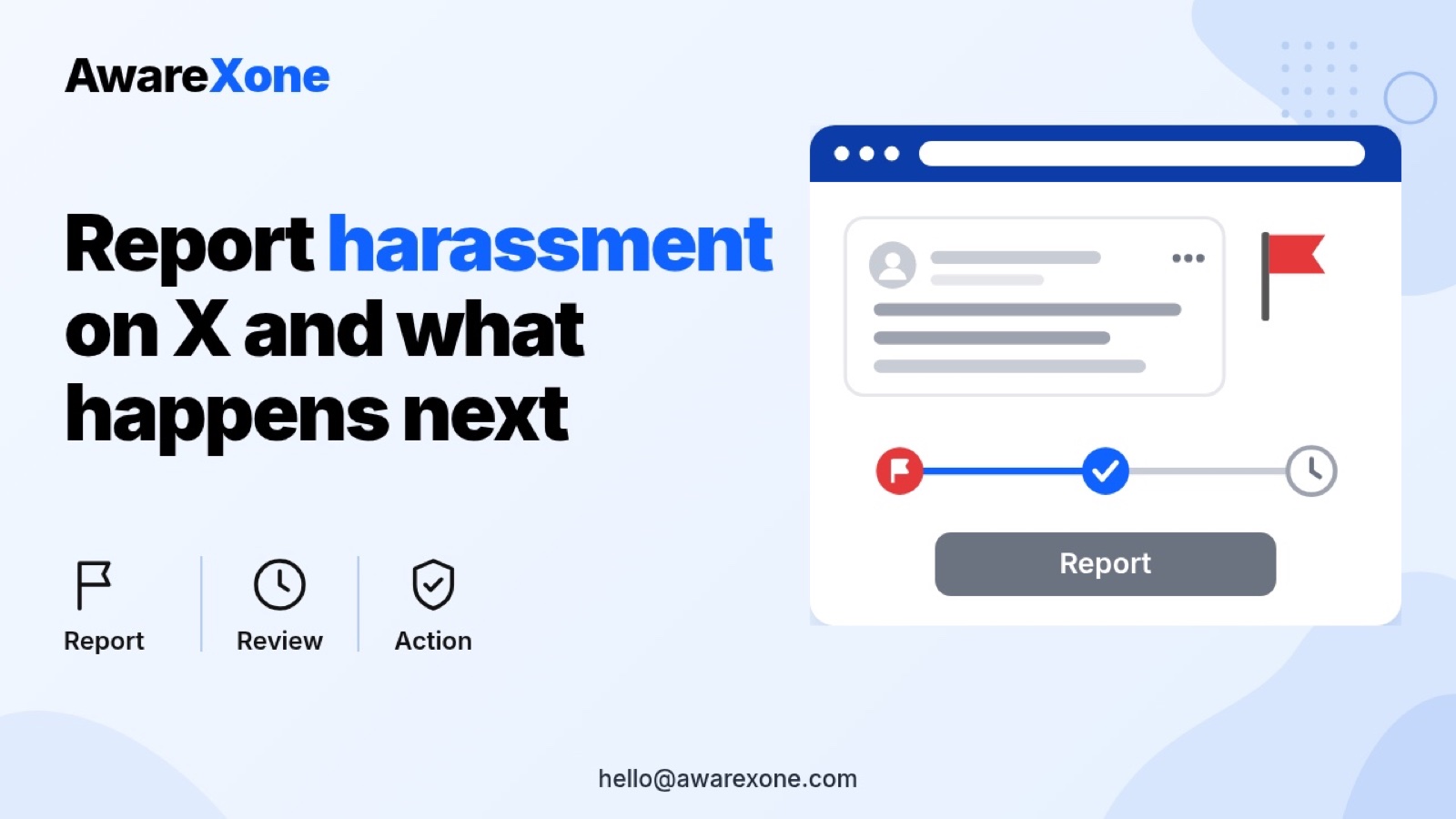
Open the post or profile, select the more icon, then Report, and choose Myself if the abuse targets you. For a Direct Message, tap and hold it and select Report message. X says confirmation can take up to 24 hours, and if it finds a violation it acts, from a warning up to permanent suspension.
Summary- X lets anyone report abuse from a post, a profile or a Direct Message, and one report can include several posts from the same account.
- X says it sometimes needs to hear directly from the person being targeted, so report as Myself when the abuse is aimed at you.
- X says a confirmation may take up to 24 hours to appear, and action ranges from a warning to permanent suspension if a rule is broken.
- Blocking stops an account engaging with you but they can still see public posts, and muting is invisible to them but does not stop Direct Messages.
- Rallying others against the harasser can break X's own rules. One wrong step can cost you the account, so know what you are doing before you start.
Table of contents12 sections
- 01Quick Answer: How Do You Report Harassment on X?
- 02What Does X Count as Abuse and Harassment?
- 03How to Report a Post, an Account or a Message
- 04What Happens After You Report?
- 05Block, Mute or Report: Which Tool Does What
- 06Keep an Evidence Log Before Posts Vanish
- 07If You Feel Unsafe
- 08What Not to Do
- 09What the Pages Do Not Say
- 10When It Is Safer to Get Expert Help
- 11When a Case Review Makes Sense
- 12Frequently Asked Questions
The replies will not stop. An account keeps tagging you, others pile in, and now the messages have moved into your DMs. You have reported a few posts and nothing seems to change. It is draining, and it is fair to want to know whether reporting on X does anything at all.
This guide follows X's Help Center pages as they read today. It covers what X counts as harassment, how to report a post, an account and a message, what X says happens after, and how block and mute differ. It ends with an evidence log you can copy. One wrong step can cost you the account, so know what you are doing before you start, especially before you hit back in public.
Last checked: 29 October 2026.
#Quick Answer: How Do You Report Harassment on X?
X's Report abusive behavior page says anyone can report abusive behaviour directly from a post, profile or Direct Message. You select the more icon, then Report, then choose who the report is for: Myself, Someone else or a specific group of people, or Everyone on X. X then asks for more information and may ask you to select more posts from the account for context. The page says multiple posts can be included in the same report.
#What Does X Count as Abuse and Harassment?
X's Abuse and harassment policy, dated March 2024 on the page, says you may not target others with abuse or harassment, or encourage other people to do so. It lists these areas:
| Policy area | What X describes | Example in plain words |
|---|---|---|
| Targeted harassment | Malicious, unreciprocated targeting, such as many posts in a short time, continuous malicious replies, or accounts dedicated to harassing someone | An account that replies to every post you make with insults |
| Incitement of harassment | Encouraging others to harass or target someone, online or offline | A post telling followers to go after you |
| Unwanted sexual content and graphic objectification | Unsolicited adult media, unwanted sexual discussion of someone's body, solicitation of sexual acts | Explicit images sent to your DMs |
| Insults | Insults or profanity used to target others, though X says it will not act on every insulting term | Repeated name calling aimed at you |
| Violent event denial | Denying a verified mass casualty event with abusive context | Calling survivors of a real attack actors |
| Prior names and pronouns | Where local law requires, reduced visibility for deliberate misgendering or deadnaming, and X must hear from the target | Posts that deliberately use a name someone dropped as part of their transition |
The policy also lists what it does not act on. It says some posts look harmful alone but are not in context, such as friends joking with each other. It says it does not act on criticism of institutions, practices and ideas. Disagreement, however sharp, is not always harassment under these rules.
#How to Report a Post, an Account or a Message
The Report abusive behavior page gives three paths.
- A post: open the post on x.com or in the X app, select the more icon, select Report, choose who it is for, then answer X's questions. X may ask you to add other posts from the same account.
- An account: go to the profile, select the more icon, select Report, and follow the same steps. Use this when the problem is the whole account, not one post.
- A Direct Message: in the conversation, tap and hold the message and select Report message. To report the whole conversation, tap the info icon and select Report followed by the username. The page notes you can also report a conversation from a group message.
- For post and account reports, X says it includes the text of reported posts in its follow up emails and notifications to you. To opt out, untick the box next to Updates about this report can show these posts.
The page describes X's reporting as symptoms first: you describe what is happening, and X then confirms what you are reporting and which rule it may have broken. It also links a form to report abusive behaviour for people who prefer it.
#What Happens After You Report?
- X says you will see a confirmation that your report was received, and that it may take up to 24 hours to appear.
- X reviews the reported account, posts or messages. If it finds a violation, it says it takes action ranging from a warning to permanently suspending the account.
- X says it contacts you if it needs more information, or when it takes action on what you reported.
- The original content of posts you reported is replaced on your screen with a notice saying you reported it. You can still click through to view it.
- You may get an in-product notification if X acts on an account you recently reported, and X notes the action may or may not be related to your report.
The harassment policy lists the enforcement options X may use. They include making a post less visible, for example by removing it from search, recommendations and home timelines, limiting replies and reposts, requiring the author to remove the post and spend a period in read-only mode, and suspending accounts dedicated to harassing people. X says it weighs severity, whether someone was targeted, and the account's past record.
#Block, Mute or Report: Which Tool Does What
Reporting asks X to act. Blocking and muting change what you see straight away. They do different things, and X's pages are specific about the limits.
| Tool | What it does on X | What the other account can still do |
|---|---|---|
| Report | Asks X to review the post, account or message against its rules | Everything, until X acts |
| Block | Stops the account following you, sending you Direct Messages, engaging with your posts, adding you to lists and tagging you in photos | See your posts if your account is public, and see that they are blocked if they visit your profile |
| Mute | Removes the account's posts from your timeline without unfollowing or blocking | Follow you and send you Direct Messages. X says muted accounts do not know they are muted |
| Protected posts | Shows your posts only to your followers | X's blocking page says blocked accounts cannot see protected posts |
These details come from X's Blocking on X and How to mute accounts on X pages. The blocking page also says you can still report an account that has blocked you, but you cannot report its posts if they are protected and you do not follow it. The report page explains why X cannot block someone from making new accounts: it says IP blocking is generally ineffective and can block unrelated people.
#Keep an Evidence Log Before Posts Vanish
Posts get deleted, and accounts get renamed. This log is our own suggestion, not an X requirement, and it makes every later step easier, from a second report to a police report.
| Column | What to write |
|---|---|
| Date and time | When the post or message appeared, in your local time |
| Account | The @username and the profile link, since display names change |
| Link | The direct link to the post, or a note that it was a Direct Message |
| What it said | A short factual summary, plus a screenshot file name |
| Reported | Whether you reported it, the date, and any reply from X |
| Other accounts | Any new accounts that appear to belong to the same person |
For threats, the report page says that for post reports you can select Email report on the We have received your report screen to get your own copy to share with law enforcement. Our guide on collecting evidence before reporting harassment covers screenshots and storage in more detail.
Subscribe to receive notifications of new posts
#If You Feel Unsafe
X's report page says that if someone has posted or messaged a violent threat that you feel is credible, or you fear for your own or someone else's physical safety, you may want to contact your local law enforcement agency. It says X does not release account information except as required by valid legal process, so the police or a lawyer are the route to finding out who is behind an account. In Malaysia, our guides on making a police report for online harassment and on Malaysian law and the Online Safety Act set out the local side.
#What Not to Do
- Do not ask your followers to go after the harasser. X's policy prohibits encouraging others to harass or target someone, and that applies to you as well.
- Do not post the harasser's personal details. X has a separate policy against sharing private information.
- Do not pay anyone who says they can delete an account for you through a contact at X. X's pages describe only its own reports and forms.
- Do not give anyone your X password or a login code to report on your behalf. You can report as Myself, and someone you trust can report as Someone else.
#What the Pages Do Not Say
- They give no time for a decision beyond the confirmation message that may take up to 24 hours.
- They do not promise that X will tell you exactly what action it took.
- They do not explain how X handles harassment that moves across several new accounts, apart from the IP blocking answer.
- They give no Malaysia specific steps.
#When It Is Safer to Get Expert Help
Many people handle a few abusive posts alone with the steps above, and they come first. Some situations are harder. A pile on across dozens of accounts is slow to report one by one. Hitting back can put your own account in breach of the incitement rule. People who promise quick takedowns for a payment are not using X's routes. And if the harassment threatens your safety or your income, every report needs to be clear and consistent.
If you are unsure what to report, under which rule, or the account matters to your work, having an experienced team handle it is the safer choice. AwareXone helps people document harassment and file through X's official routes. See our content removal help, or apply for a case review.
#When a Case Review Makes Sense
A review helps when abuse keeps returning from new accounts, when reports have been closed without action, or when a public role makes you a regular target. SocialSafe by AwareXone is a Malaysia-based service, independent of X, that works only through X's own reports and forms. We never ask for your password or login codes, and X makes the final decision. Read how we work on our trust page.
#Frequently Asked Questions
Can I report harassment on X for someone else?
Will the person know I reported them on X?
How long does X take to review a harassment report?
Does blocking someone on X stop them seeing my posts?
Can X tell me who is behind an anonymous account?
Official sources
Related guides
More free guides on the same kind of problem.
- How to Save Evidence of Online Harassment
- X Account Hacked and Posting Crypto Scams? What to Do
- X Account Hacked and Email Changed? How to Recover It
- X Account Locked? How to Unlock It or Lift the Limit
- X Account Suspended? What It Means and How to Appeal
- Bluesky Harassment: Block, Mute, Report or Moderation Lists