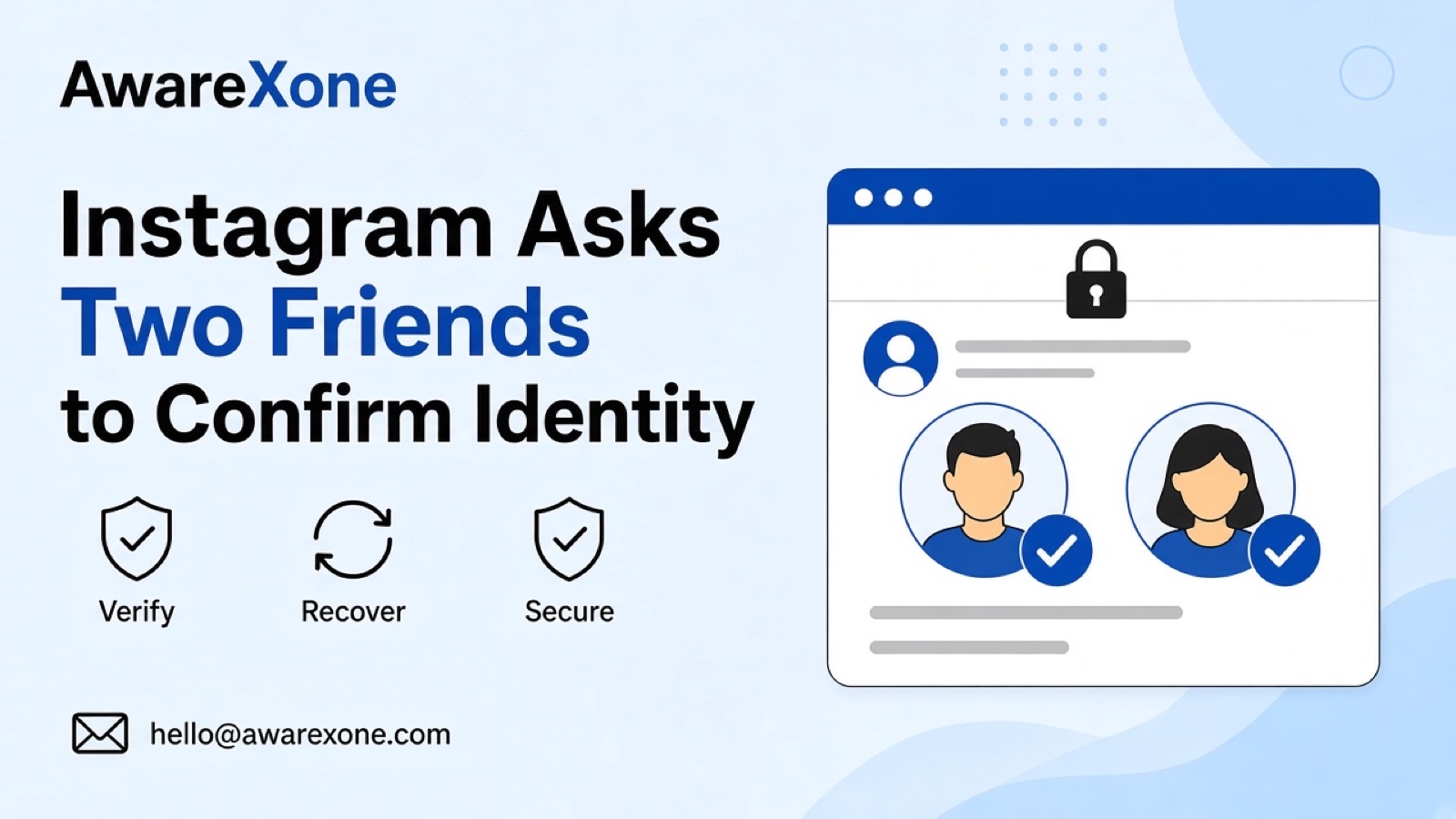
If Instagram asks two friends to confirm your identity after a hack, open Instagram's official hacked recovery page yourself, choose two people you can reach offline, and wait for both to confirm. Then reset your password and secure email and two factor authentication. Do not share codes with anyone who messages you about the request.
Summary
Instagram's official safety blog says you can choose two Instagram friends to verify your identity if you are locked out.
Start from Instagram's official hacked recovery flow in a browser, not from a link someone sends you.
Pick friends you can reach quickly offline, and tell them what they will see so they do not think it is a scam.
This is separate from Facebook's trusted contacts recovery, and it is not a substitute for securing email and two factor authentication later.
One wrong step can cost you the account, so know what you are doing before you start.
You cannot open Instagram. The email and phone on the account are gone. On the recovery screens, Instagram offers another path: ask two friends to confirm it is you. You are not sure who to pick, what they will see, or whether the offer is even real.
Instagram's About Instagram safety post says that if you are locked out, you can choose two of your Instagram friends to verify your identity and get back into your account, and it points people to Instagram.com/hacked for access issues. This guide explains that friend confirmation path. It is not framed as a brand new 2026 feature, and it differs from the first hour checklist in Instagram hacked first hour and from Facebook trusted contacts recovery. One wrong step can cost you the account, so know what you are doing before you start.
If Instagram asks two friends to confirm your identity after a hack, open Instagram's official hacked recovery page yourself, choose two people you can reach offline, and wait for both to confirm. Then reset your password and secure email and two factor authentication. Do not share codes with anyone who messages you about the request.
Instagram's hacked profile help says that if you think your account has been hacked, you can take actions through the website or app to secure it, and to visit the recovery page when you cannot log in. Its hacked account hub links sit under the same recovery topic. Friend confirmation is one path inside that official recovery flow when Instagram shows it.
Only start from a URL you type yourself, such as Instagram.com/hacked, or from the Instagram app screens. Ignore recovery links sent in DMs or SMS.
Send that by phone or SMS. Do not ask them to tap a link you paste. Scammers also ask friends for codes; your request should not need a code from them to you.
Facebook trusted contacts is a Facebook product setting you arrange in advance. Instagram friend confirmation is offered inside Instagram's own recovery flow when you are locked out. Do not mix the two, and do not send Facebook trusted contact instructions to someone helping with Instagram.
Many Malaysian users registered with prepaid numbers they no longer own, so email and SMS recovery may fail. Friend confirmation can be the path that still works, but only if you can still reach two active Instagram friends offline.
Instagram decides whether friend confirmation appears, how long friends have to respond, and whether access is restored. Your part is to use the official flow, pick reachable friends and secure the account after you get in.
Sometimes Instagram does not show the friend confirmation option, or friends see nothing. Wait the period Instagram shows, try reachable friends, and keep using only Instagram.com/hacked typed by you. Do not move the request into a third party form that asks for your password.
If you regain access another way, still tell the friends you nominated so they ignore late notifications. Clear communication reduces the chance they treat a real Instagram prompt as a scam, or the reverse.
Check whether the attacker changed username, bio or payment settings.
Friend confirmation is a door back in. Securing the account afterwards is what stops the next lockout.
Malaysian users who share one household email with family should make sure the friends they nominate can tell their Instagram account apart from a sibling's. Say your exact username when you call them.
If the attacker still has your old password and you recover through friends, change that password immediately and review whether backup codes were viewed. Friend confirmation opens the door; password and two factor work keep it closed afterwards.
Do not send them a password reset link you received.
Do not ask them to forward an Instagram code to you.
Do not ask them to log in as you.
Do not pay a stranger who offers to message your friends for you.
Keep the Instagram app updated while you wait. An outdated app can hide notifications your friends need to confirm. If they use Android and iPhone differently, ask them to check both the app alert and the activity area Instagram shows for recovery actions.
If you run a creator or shop account, tell your community manager which friends you nominated so they do not mark the Instagram notification as spam on a shared phone.
When both friends confirm, stay on the same browser session until the password reset finishes. Switching devices mid flow can drop you back to the start.
After recovery, review whether shopping or professional dashboard access changed. Attackers sometimes flip monetisation switches while the main profile looks quiet.
Write your two friends' names and the time you sent each request. If Instagram lets you try again later, that note stops you from nominating the same unreachable person twice.
Getting help is safer when friend confirmation is not offered, when both friends fail to receive a notification, or when the attacker is still posting from the account. Wrong recovery links from third parties can make a lockout worse.
If you are unsure about any step, or the account matters to your income or business, having an experienced team check it is the safer choice. AwareXone does this work. See our Instagram account recovery page.
A case review helps when you need a clear order of recovery paths after a hack. We are a Malaysia-based team, independent of Instagram and Meta, and we use only the official routes. We do not ask for your password or codes, and we cannot promise a result. See our trust page.